I have implemented Google Analytics using @britzl’s extension: GitHub - britzl/defold-googleanalytics: Google Analytics implementation for the Defold game engine · GitHub
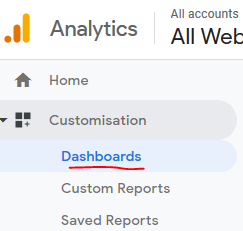
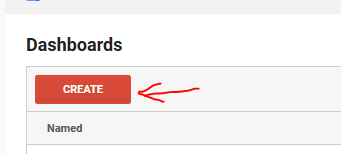
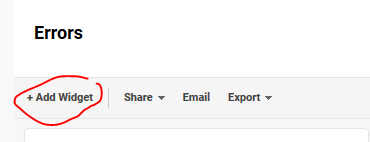
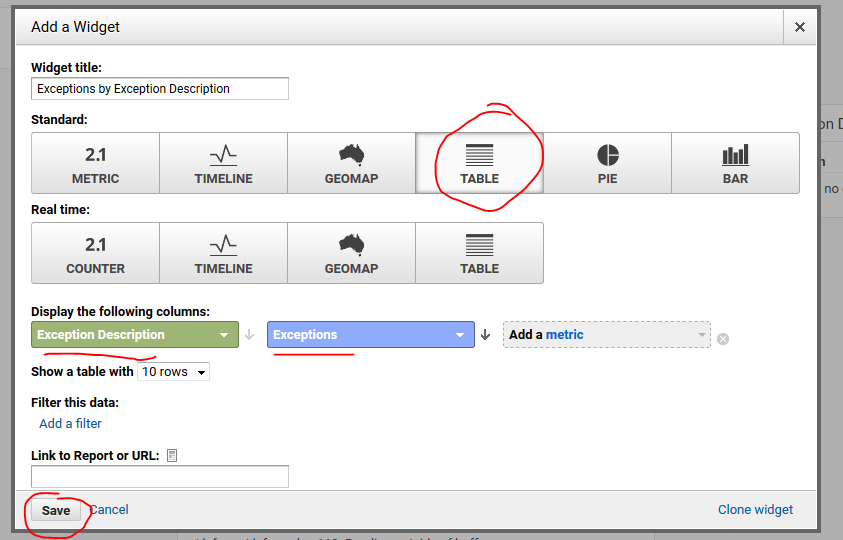
It works when I trigger my custom events and I can find the details in Analytics. However, now I recently enabled the automatic crash/exception tracking I can’t figure out if error logging isn’t working or if I just don’t know how or where to find it.
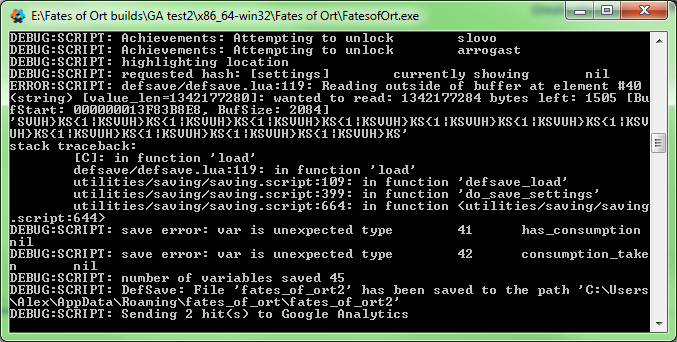
You can see in this output that a) there has been an error, and b) Google Analytics has sent a hit:
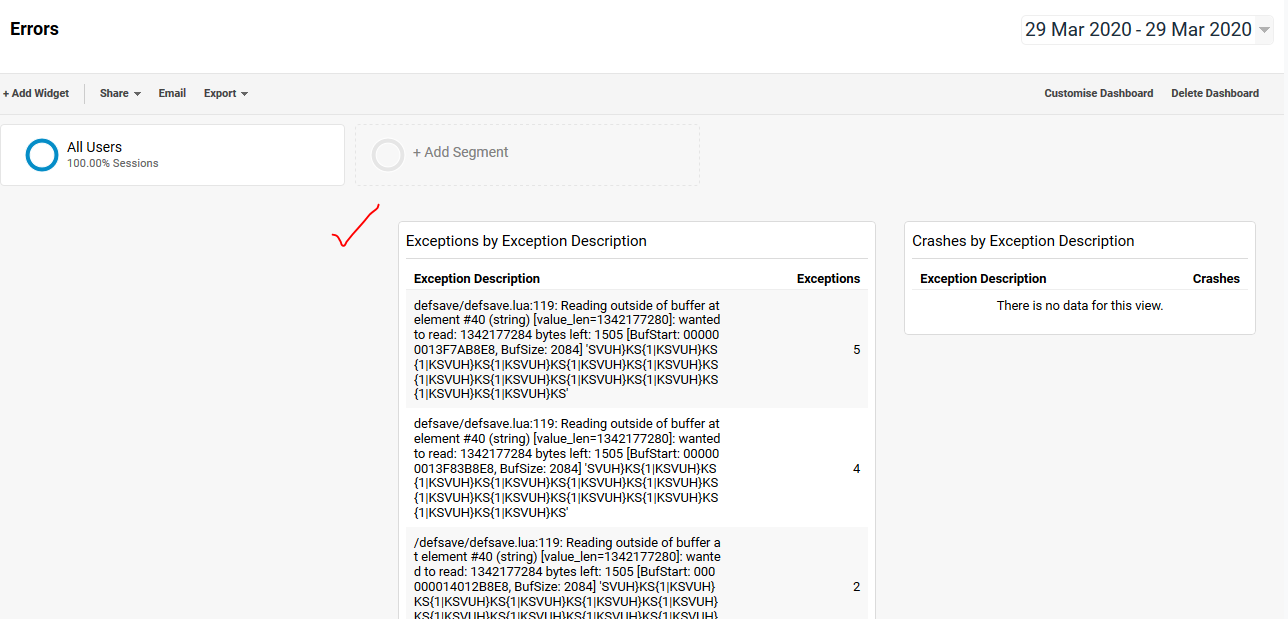
However, in Analytics I don’t see anything related to the error (I have scoured the other pages as well and can’t find anything):
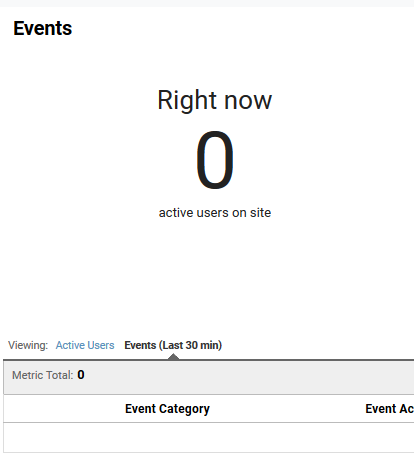
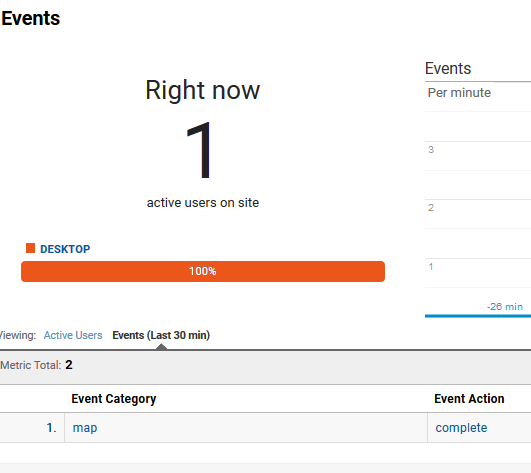
In contrast, when I trigger one of my custom events then things show up as expected:
I thought Err was interfering by somehow intercepting the error call, but I disabled it and it doesn’t make a difference.
I don’t really know what the next step is (setting something up in Analytics?) so if anyone has any insight I’d appreciate it.