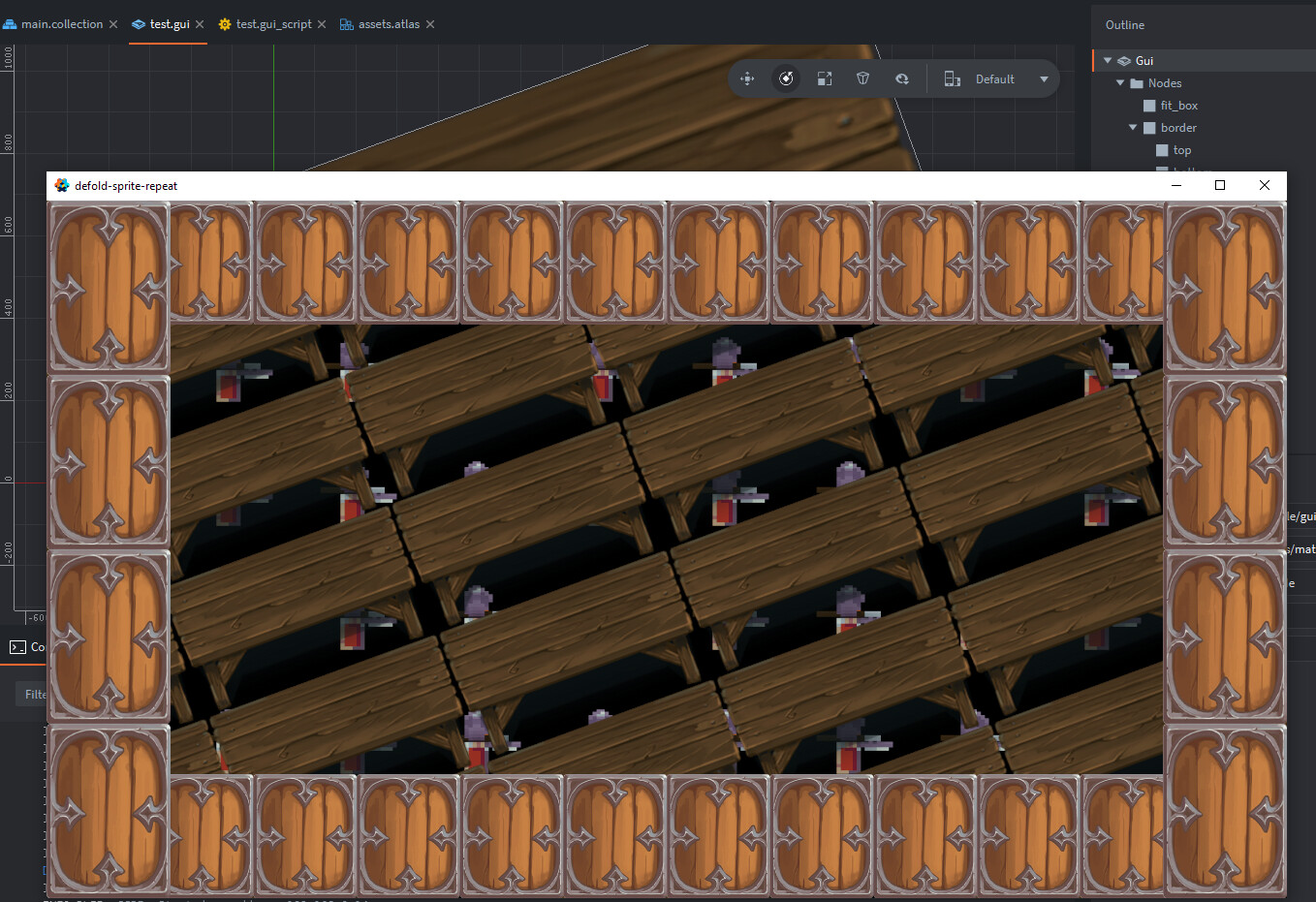
A small asset for texture repeat in sprite:
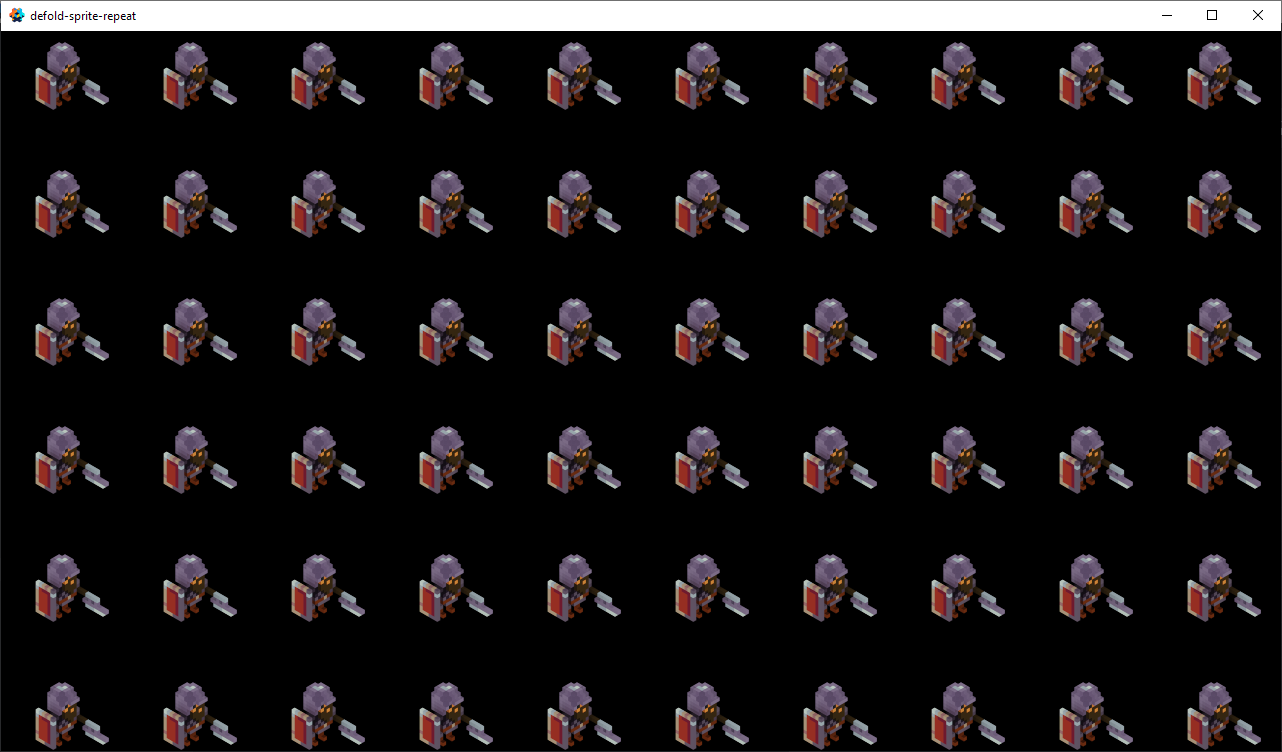
https://github.com/Dragosha/defold-sprite-repeat
Works with both static and animated sprites.
A small asset for texture repeat in sprite:
https://github.com/Dragosha/defold-sprite-repeat
Works with both static and animated sprites.
Github repo updated to support GUI box nodes. 
See the example folder.
p.s. required Defold version 1.9.1 and above
A small card game using this asset to repeat the pattern in the background, as well as cards-fx-kit asset to move the cards around board.
p.s. GUI only game
Fun game!
I’ve been using this in my current project, but recently it seems to have broken.
I was wondering whether a recent update to the engine changed how atlases are handled? The height and width of animation frames are being miscalculated now I believe.
Can you please create a bug report on GitHub?
I’d be happy to, but I think I might not have been clear. The atlases themselves are working fine, it’s the code in this asset that I think might not be interpreting the atlas data correctly anymore.
I haven’t been able to find anything in recent release notes that indicated a change to atlases that would cause such an issue, so I thought someone here might know.
I see. I tested the example project included with the sprite repeat material and it works in 1.12.1:
Is the included example not working for you?
Huh. I downloaded the example and it does does seem to work.
Maybe my atlas got corrupted somehow?
Thanks for taking a look.
UPDATE:
It has to do with changing the order of images in animations in the atlas. It appears to be grabbing the wrong image.
UPDATE 2:
I think I will submit a bug for this, as it appears the atlas is being misconfigured.
In brief: stepping through the initialization done by the sprite-repeat code, I can see that the animation information retrieved from the atlas is actually providing incorrect start and end frames.
I am reordering the animation frames in the editor after importing the images into the atlas.
I think the problem is here:
Needs to fix the code that determines whether the sprite in the atlas is rotated 90 degrees. As I can see in the documentation, the atlas geometry data has a rotated property (although it may not have been available when the library was written). Needs to use this property.
Made fix. Is everything working fine now?