I just went through this part of the tutorial and it appears the new editor has maybe changed how to access components with messages? The screenshot below shows the properties of ground.script that we are trying to message:
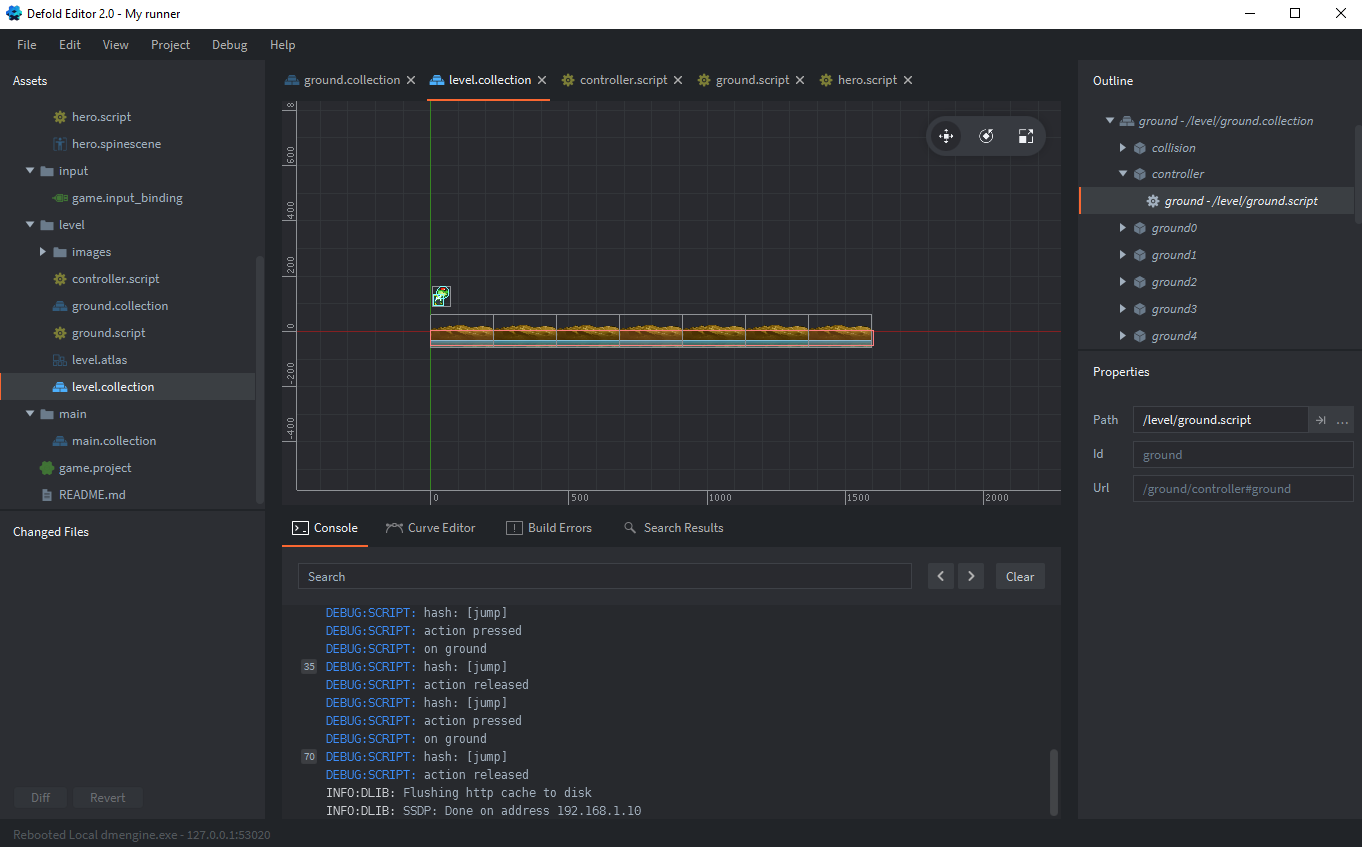
The thing to note is there is a property named “Url” which contains an unchangeable value derived from the game object ID and the script ID (controller#ground). I used this component name in controller.script.
function init(self)
	msg.post("ground/controller#ground", "set_speed", { speed = self.speed })
end