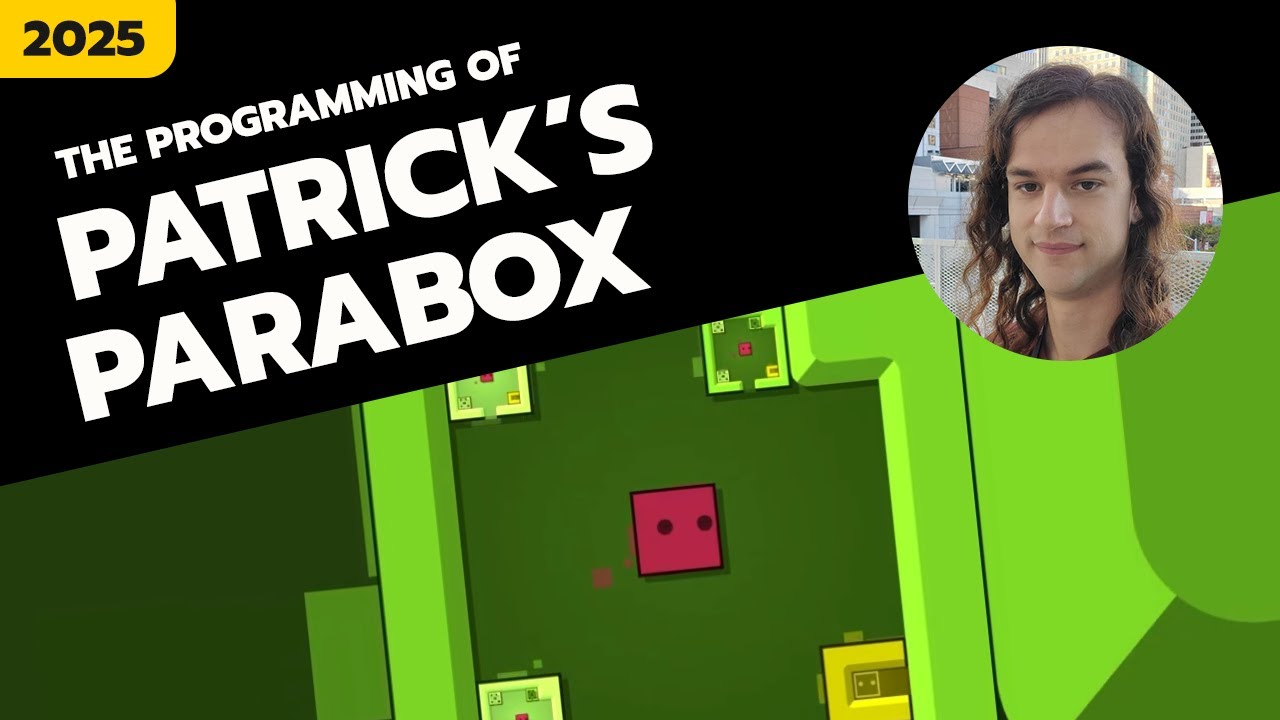
I didn’t played it…yet, but I definitely will try it on ps5.
I have just seen videos and this totally blows my mind! As a game itself, and as game development point of view!
There is a talk from the developer here:
He briefly (really briefly) talk about the data structure and rendering system, and I am trying to think about how the hell we could do it with Defold!
I find the recursive gameplay mechanic genius, can’t bind my head about the rendering system in Defold, but what I think is the most impressive is the last part with his Level editor, this is sick.
I have two ideas of how to create a basic sokoban game.
Basic collision + messages
Basically, if the player collides with a box, it will receive a message. And from that point we can move a box somewhere with data about collision point. Physics API should have all needed things to achieve it.
Box 2D
All sokoban movements of boxes can be created with box 2d physics, I think. But I don’t know the details of this.
As for the recursive levels, maybe collection proxies can help
For a Sokoban game, I do not use any physics at all.
It’s an entirely grid based system.
I personally have it separated in order to run logic “offline” as well. E.g. making sure that the levels are solvable etc. In my game I have:
board.lua - Owns board state, movement rules, action queuing/application, player position, and solved-state checks.
board_render.lua: Spawns, clears, tiles, animates, and renders board objects using Defold APIs.
board_parse.lua: Loads board data from tilemaps or serialized level data into the runtime board model.
board_types.lua: Defines shared board object/action type constants.
The board.lua deals with strict game rules, and also sends messages about notable events, such as “player moved a box onto a goal position” or “player tried to move an immovable object”.
The board_render.lua creates the visuals, in my case a grid of gameobjects spawned from factories. The renderer also listens to the notable events, and can then juice it up with nice animations or sounds.
By having the board logic in pure Lua, I can also run it offline for testing.