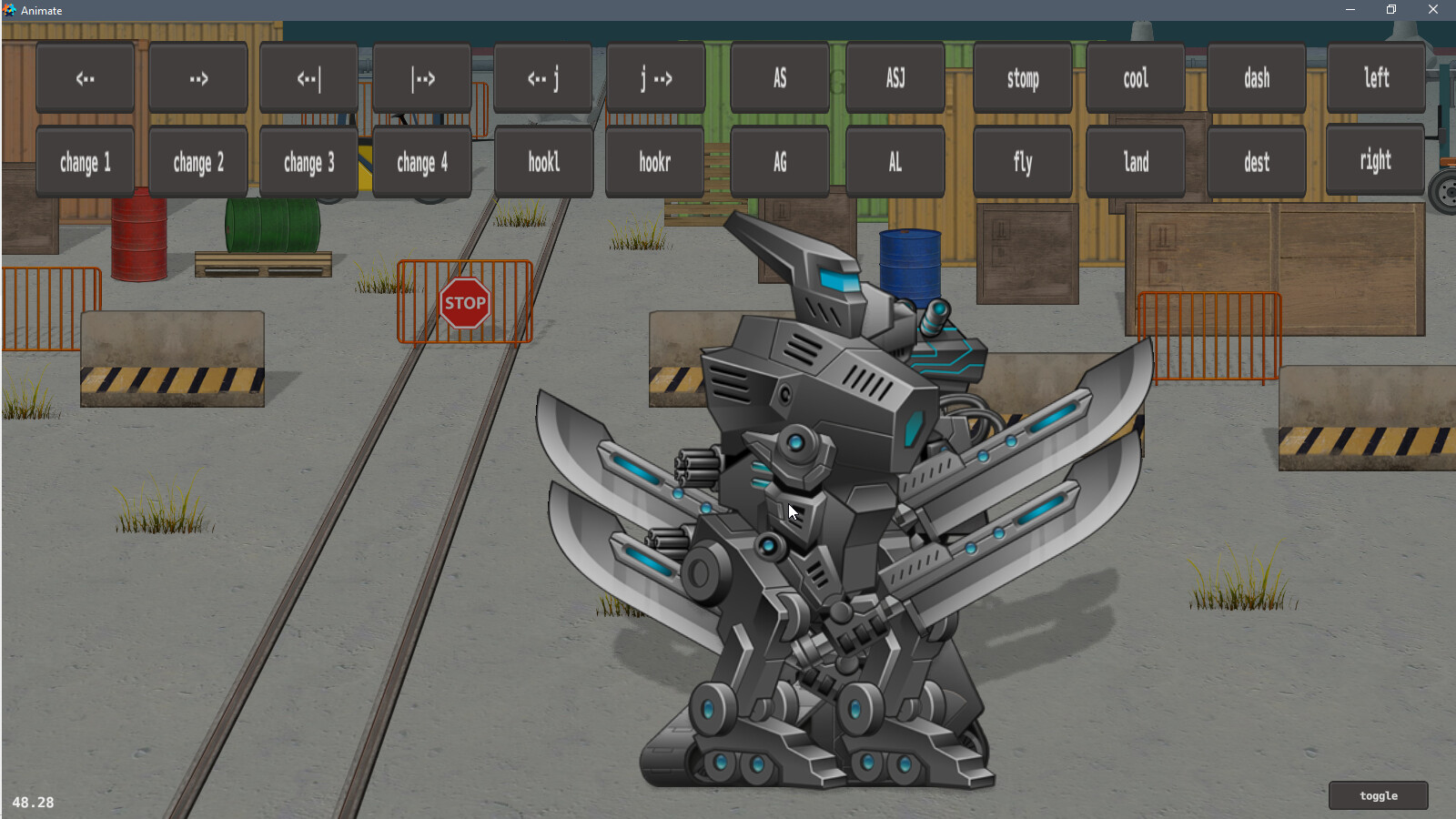
Ok, it’s working better now, this is vulkan:
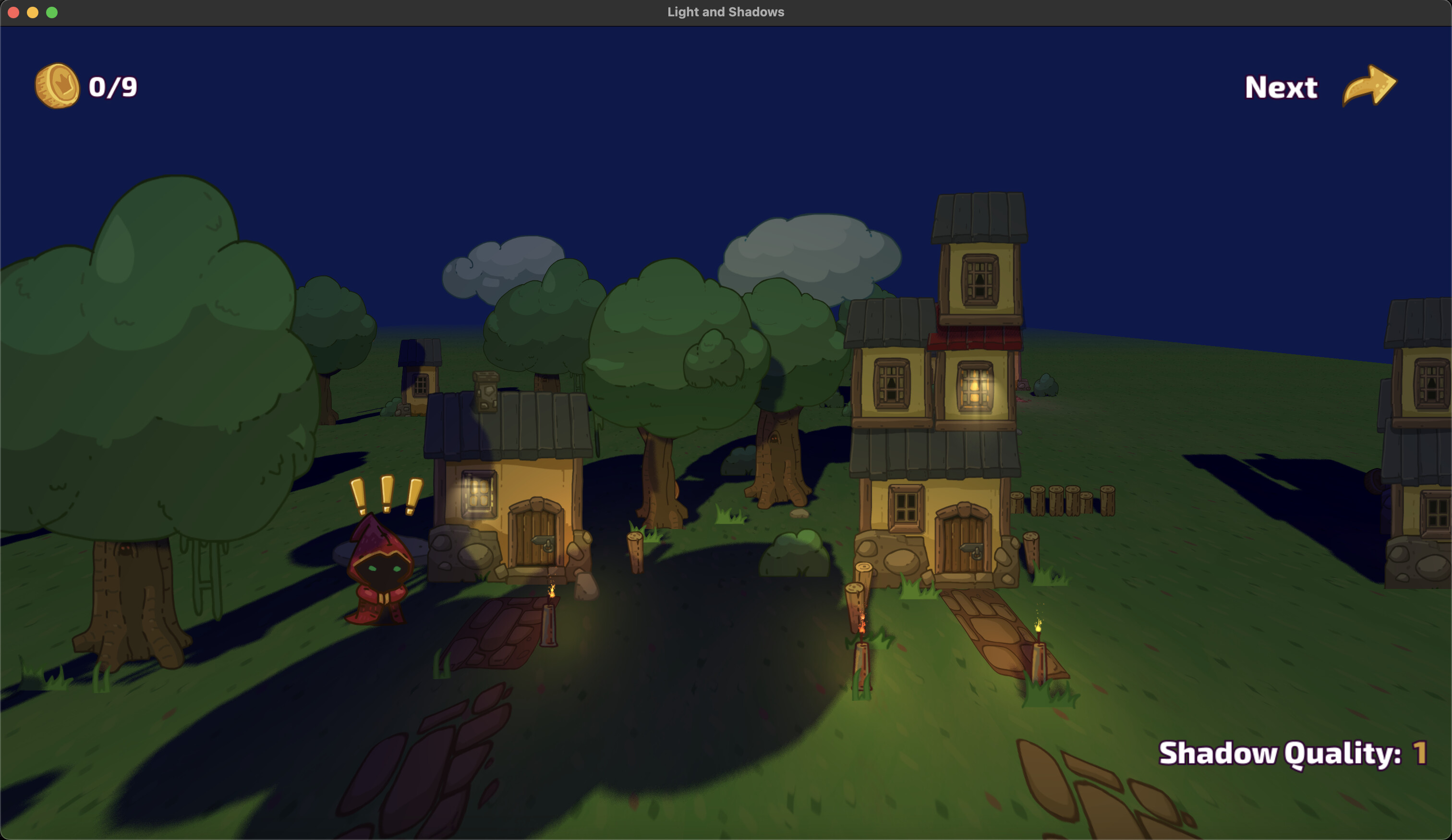
I copied the varying specification from the vertex shader to the fragment shader. So now I just need to figure out if we can catch this early, or avoid it happening. Thanks for the report!
Ok, it’s working better now, this is vulkan:
I copied the varying specification from the vertex shader to the fragment shader. So now I just need to figure out if we can catch this early, or avoid it happening. Thanks for the report!
There are some build errors for simple_input.lua
Line 56: registered_node[node] = nil
‘Undefined global registered_node’
These don’t stop it ‘working’ though, so I guess it is no big deal.
(tag: v0.4.0,e8222cd)
yep, should be ‘registered_nodes’, I’ve fixed this typo mistake. Thanks.
I have a small question. How can you make it so that an object can cast a shadow - but the shadow does not fall on it?
normal
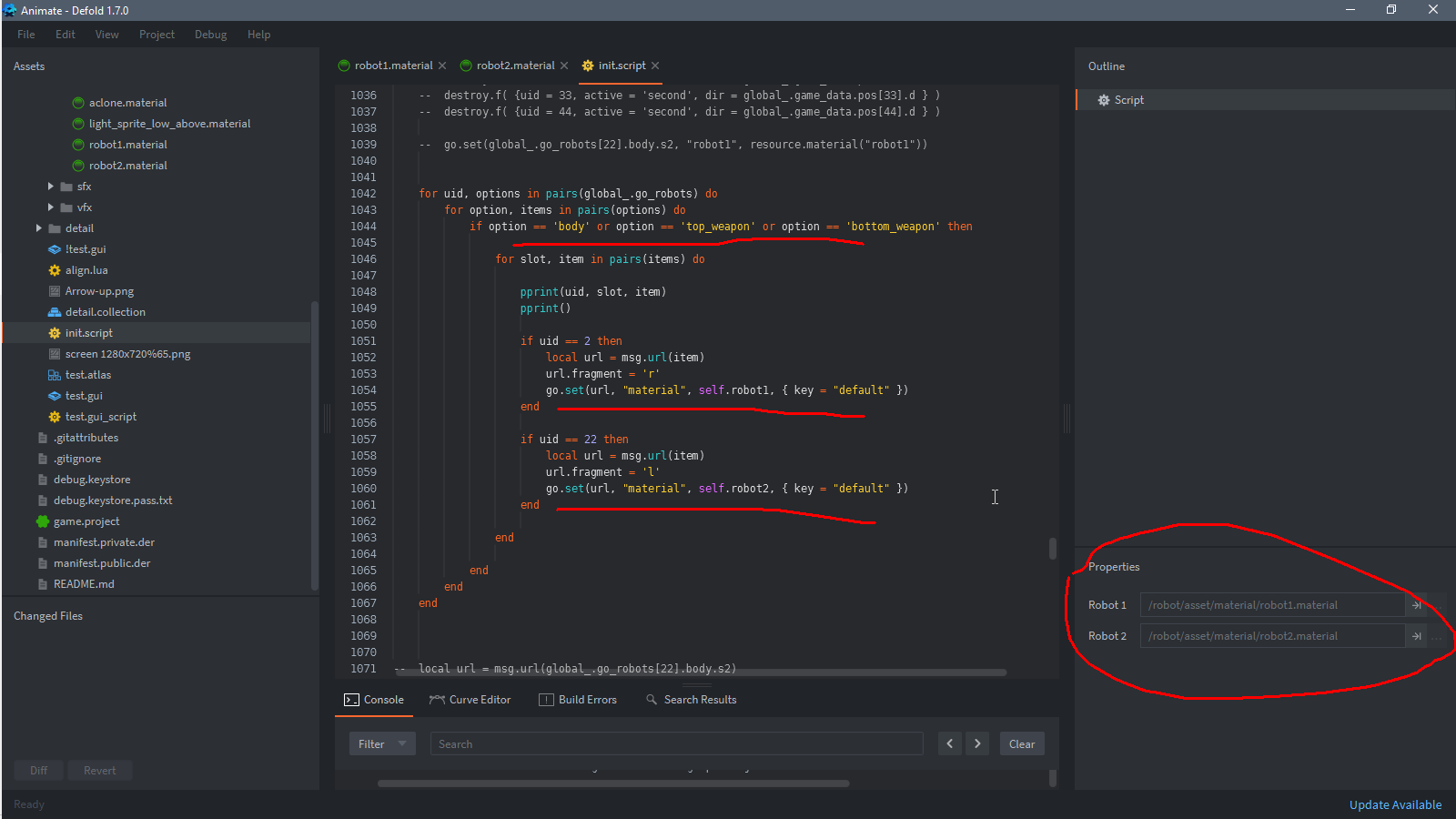
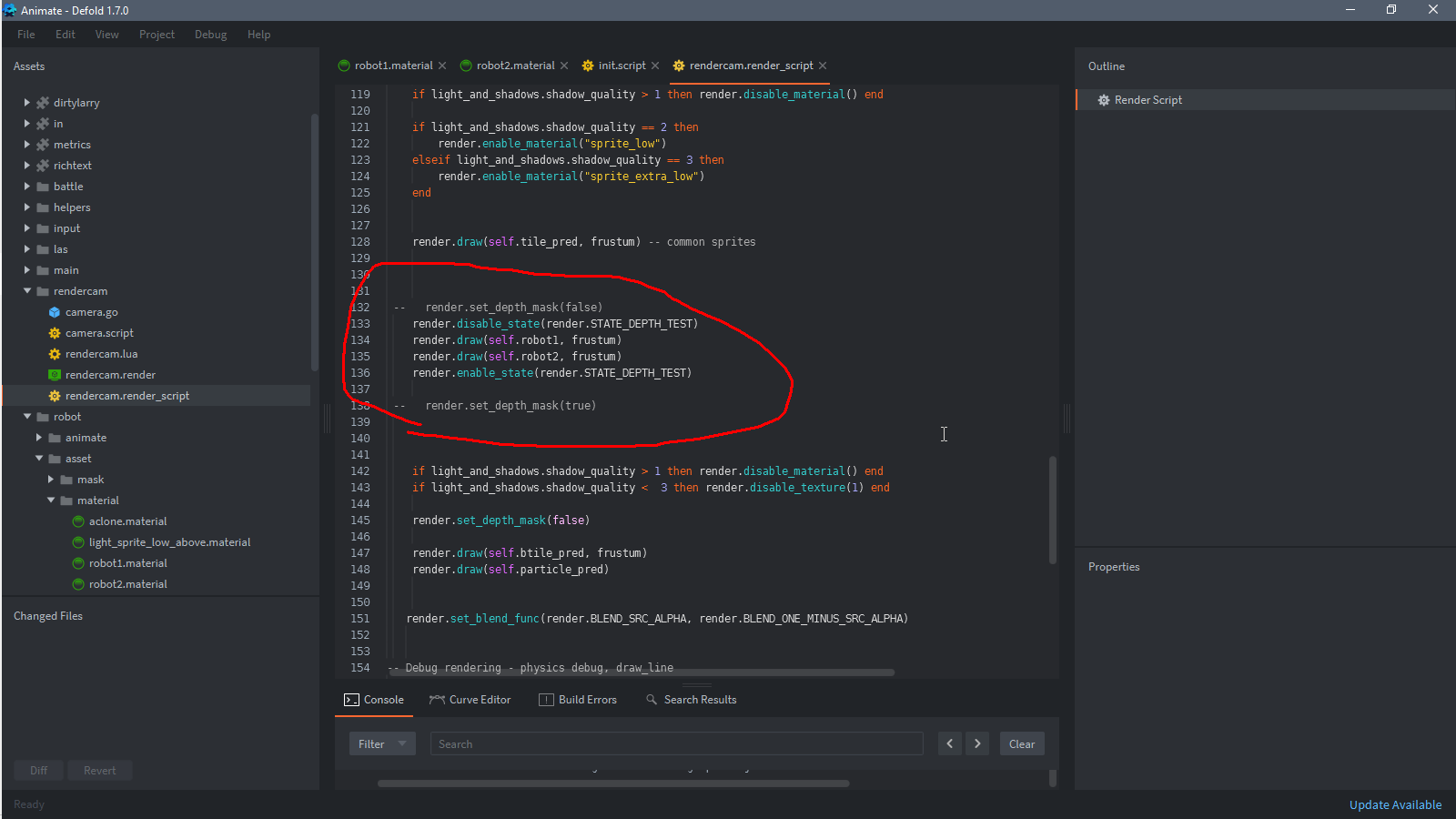
i wont use this code for show GO “robot2” to front
    render.disable_state(render.STATE_DEPTH_TEST)
    render.draw(self.robot1, frustum)
    render.draw(self.robot2, frustum)
    render.enable_state(render.STATE_DEPTH_TEST)
but shadow continue cast from bihind robot ((
Objects that cast a shadow must have the second tag ‘shadow’ in their material.
Sorting when casting shadows is by Z (in view coordinates), if you introduce your own sorting of objects in the render script in the following, you should take this into account for casting shadows as well.
Thank you for your answer. Yes, now I use z sorting - but it’s not pretty (( All my characters are on the same line and the offset along the z axis is immediately visible
That’s why I want to do sorting in render
Well, here is a new big update.
Wow, wow, wow, wow! 
v.0.6.0 is here.
linear scaling. Can help to get acceptable FPS on slow devices with large physical screen resolution.Thank you for updating this! I’ve had a lot of fun playing around with this!
I was trying to create a billboard sprite similar to your billboard particleFX but am having some difficulty.
In the game object it is working correctly:
However, when I try adding it to the example scene it stretches in some unexpected ways.
Any ideas on how I could set this up correctly?
This is the code I tried to modify:
// positions are in world space
attribute highp vec4 position;
attribute mediump vec2 texcoord0;

uniform highp mat4 view_proj;
uniform highp mat4 mtx_view;
uniform highp vec4 normal;
uniform highp mat4 mtx_light;
uniform mediump vec4 param;

varying mediump vec2 var_texcoord0;
varying highp vec4 var_position;
varying highp vec4 var_view_position;
varying highp vec3 var_normal;
varying highp vec4 var_texcoord0_shadow;

//Billboard effect
attribute highp vec3 local_position;
uniform highp mat4 proj;

void main()
{

    gl_Position = (view_proj * vec4(position.xyz - local_position.xyz, 1.0)) + (proj * vec4(local_position.xy, 0.0, 0.0)); // Copied from billboard_particle/particlefx.vp
    var_texcoord0 = texcoord0;

    if(param.y < 1.) {
        var_texcoord0_shadow = mtx_light * position;
    }

    var_position = vec4(position.xyz, 1.0);
    var_view_position = mtx_view * position;
    var_normal = normalize(normal.xyz);

}
Thank you!
As far as I understand billboard sprite must be in zero rotation on the scene, otherwise the set initial values are then incorrectly changed in the shader and distortions are received.
I set the rotation to 0 on him and that didn’t fix it.
I tried setting the scale back to 1.0 and that did fix it. It appears that when the scale on either the game object or sprite is ~=1 it the distortion takes place. The smaller it gets the more extreme I am seeing. Larger then 1 results in the sprite not completely turning to face the camera.
ah yes, I remembered that I had the same adventure with billboard sprites in other projects, I even passed the scale through the sprite attributes to the shader to account for it. Interestingly, this works with particles, even though they are actively resizing in runtime. So far I see only one way out: if we need billboard sprites, we need to make the scene bound to the sprite scale 1 to 1, not to the scale of 3D models.
// positions are in world space
attribute highp vec4 position;
attribute mediump vec2 texcoord0;
attribute highp vec3 local_position;
attribute mediump vec3 scale;

uniform highp mat4 view_proj;
uniform highp mat4 proj;

uniform highp vec4 normal;

uniform highp vec4 cam_pos;

varying mediump vec2 var_texcoord0;
varying highp vec4 var_position;
varying highp vec3 var_normal;


void main()
{
   highp vec4 base = vec4(position.x - local_position.x / scale.x, position.y - (local_position.y / scale.y) *.5, position.z - local_position.z / scale.z, 1.0);
    highp vec4 local_pos = vec4(position.x - base.x, position.y - base.y, 0.0, 0.0);
    gl_Position = (view_proj * base) + (proj * local_pos);

    // gl_Position = view_proj * vec4(position.xyz, 1.0);
    var_texcoord0 = texcoord0;
    var_position = vec4(position.xyz, 1.0);
    var_normal = normalize((cam_pos - position).xyz); // normal facing to camera too

}
v.0.7.0
Updated to modern GLSL shaders version 140
Now that the versions of the engine’s built-in shaders and the L_S library are the same, it’s time to experiment with GPU skinned models and shadows. You can ignore the running animation, I couldn’t quickly make friends with the skeleton and character animation from the free Kenney set.
What’s interesting.
The engine places the pose_matrix_cache texture apparently not by name, but by number? Because if pose_matrix_cache is not specified in the material, this texture will overwrite the tex1 texture, which contains the shadow map and is included in the render script. There is clearly some conflict here.
If you don’t specify any samplers for the shadow render material (you don’t need them for the model), but use skinnig, the engine will show the error ERROR:GAMESYS: Unable to bind bone matrix cache texture for component ‘/boy5’, does the shader(s) have a sampler named ‘pose_matrix_cache’?" This situation can still be for a material without a texture, if the lowpoly model is for example painted with the colour of vertexes.
What happens to the shadow of the duplicated character model_skinned I honestly do not understand yet  Somehow the position of the last character is remembered when the rendering script substitutes the material for the shadow renderer.
Unrelated to skinning. I noticed that in mediump mat4 mtx_normal; comes to the shader incorrectly? In some cases, replacing this matrix with mtx_world in the normal correction for later light calculations gives the expected result.
var_normal = normalize((mtx_world * vec4(normal, 0.0)).xyz); But even this does not solve the case with different platforms, for example in html5 and just building PC give me different results.
And finally, the most disturbing thing of all. My tests show GPU skinned losing to regular World material in the browser on the 12 iPhone. 48 vs 60 fps. 
I think I should create issues, but I don’t have the energy for that yet 
I have created a separate branch in the repository with these materials for experimentation and testing.
Thanks for testing and finding a bunch of issues. 
We look forward to the bug reports!
v.0.8.0
perspective projection for shadow casting. Experimental function, gliches in shadow casting may occur. The direction of shadow casting is determined by the direction (rotation) of the sun object. Keep in mind that this mode is not an analogue of shadows from a point light source, as it directs its rays only in one direction (plane), not in six, as is necessary for a full-fledged point light source. However, with the help of scene adjustment it is quite possible to achieve an acceptable result, for example, to fill one room with light and shadow.sun object. This value indicates the size of the area on which the shadow is projected around the screen center. Smaller size is better shadow quality. Note: only relevant for orthographic projection (default).Perspective projection example:
I can’t find tickets for this or some other issues you mentioned.
Should be better in the next (after 1.10.3, now in alpha) version
v0.8.1
default instead of linear value. This means that all materials inherit texture filtering values from project settings.demo updated with Defold v 1.10.3