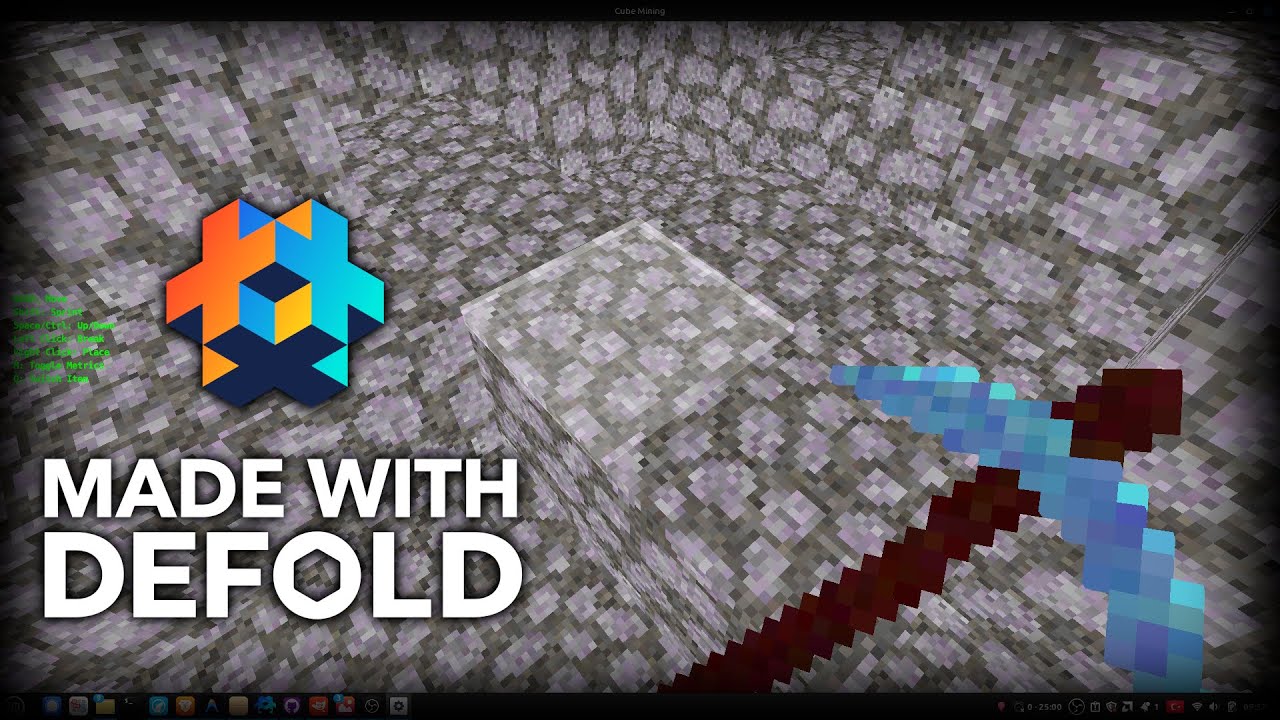
https://github.com/cenullum/cube-mining
The project is MIT licensed you can fork or contribute etc
You can play here: CubeMining by cenullum
https://github.com/cenullum/cube-mining
The project is MIT licensed you can fork or contribute etc
You can play here: CubeMining by cenullum
Works perfect on my machine (160FPS!), thank you so much for sharing!
Maybe I’ll finally make my sons’ dream to make a Minecraft game come true 
You can play here: CubeMining by cenullum
Fixed the bug and optimized little more
and I must do the logo of defold
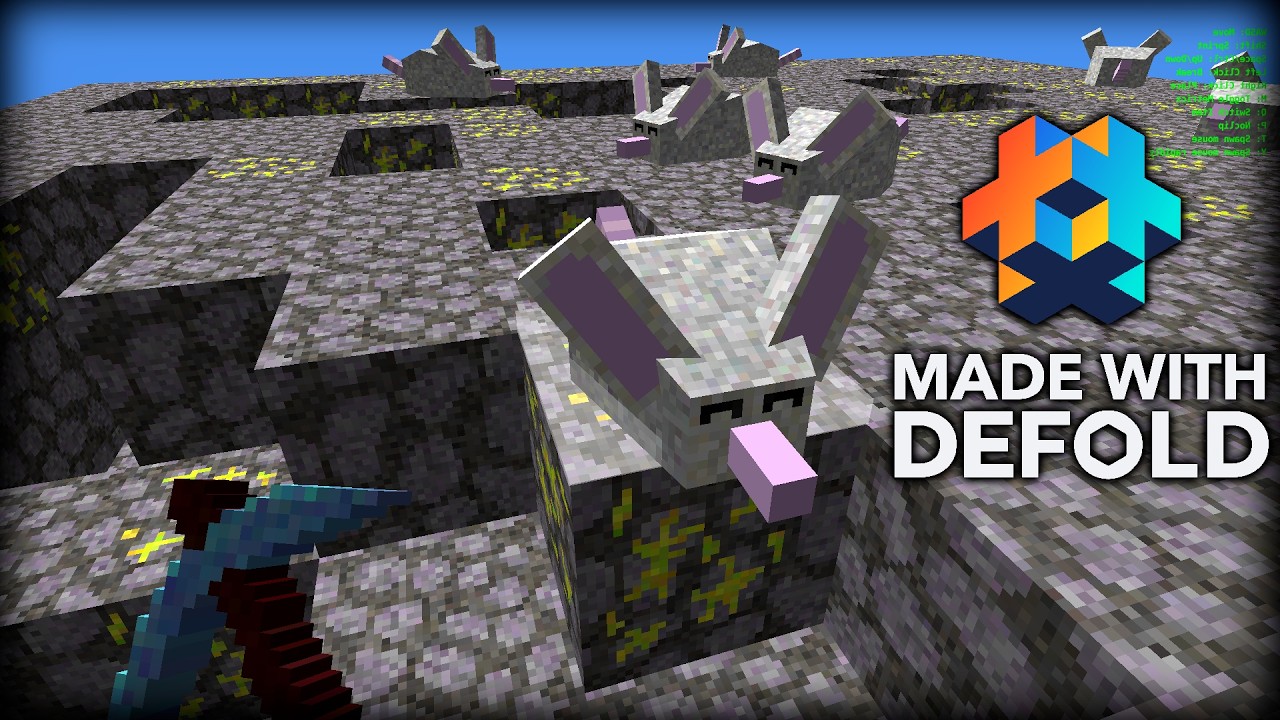
mouse npc ( I used blockbench to model it )

sun light
basic character movement gravity jumping etc (Swept AABB )
golden ore
unbreakable blocks at bottom
Really nice!
I came across this video:
This is sick! Your next game maybe?
Good stuff! and very readable code, which is cool.
Why does the game render so differently in the editor than a release build? (I guess I should know this, but I am puzzled):
Insteresting. I dont know how it is happened. Did you change something? Are you on windows? @iotaHum. Maybe because of floating point issue of shaders that cause to take wrong texture from atlas
Linux (Ubuntu 22.04). Nothing changed.
Can you send the linux build please? And Is texture of mouse also same? Can you spawn one mouse?
A Linux built executable works correctly. It is when running in the editor (control-B) the different output occurs. The mice stay the same.
No worries, no stressing. It is an excellent contribution you have made.
I guess it is something in voxelizer.script
I don’t understand how it works well enough, I need to do a lot more staring.
Yes I also tested windows seems weird but linux fine. I will check tomorrow more detailed
@iotaHum @MasterMind could you please check again? I tested it seems works fine on linux windows editor and build.
I added fog but not sure is it optimize way to do. I literally added fog to each material. Can anyone confirm me? depth buffer is better I guess but with this per material fog method I can do glass and water easily
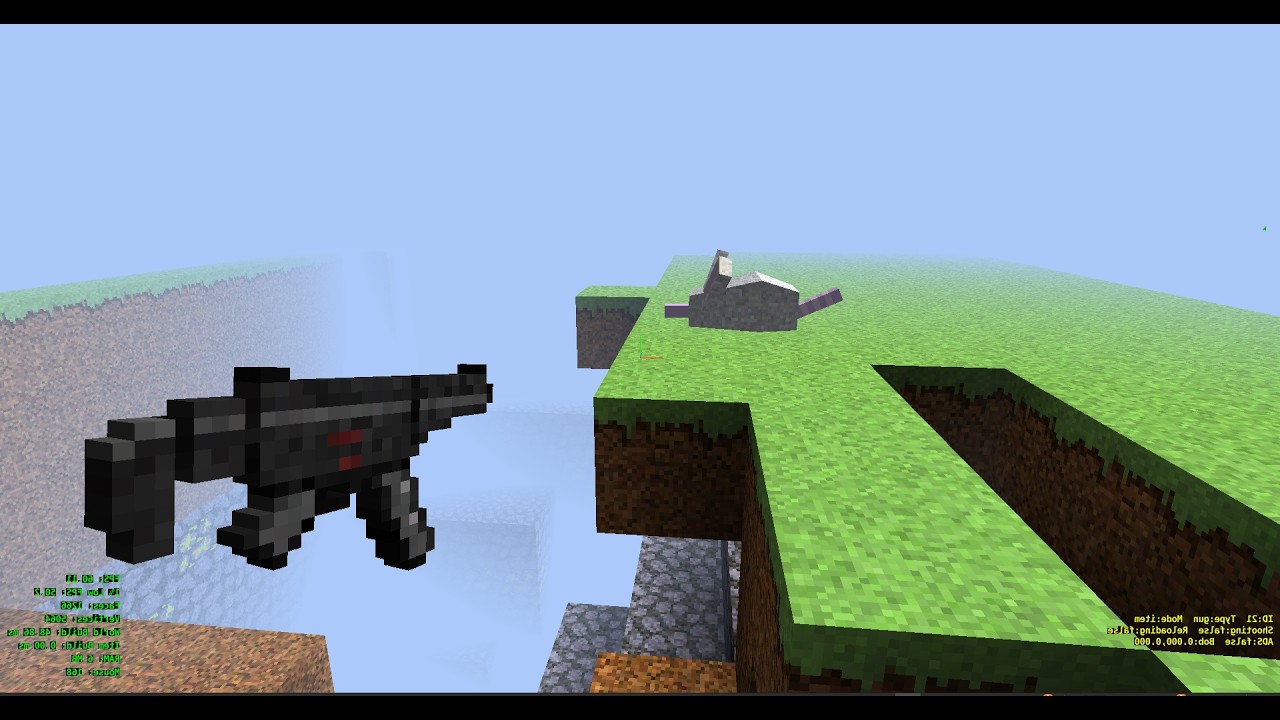
Real-time voxel lighting
Destructible blocks with health system
Breaking texture overlay based on block damage
Bomb system with multi-voxel destruction
FPS shooting mechanics
NPC damage system
ADS (aim down sights) with dynamic FOV change
Sound effects integration